
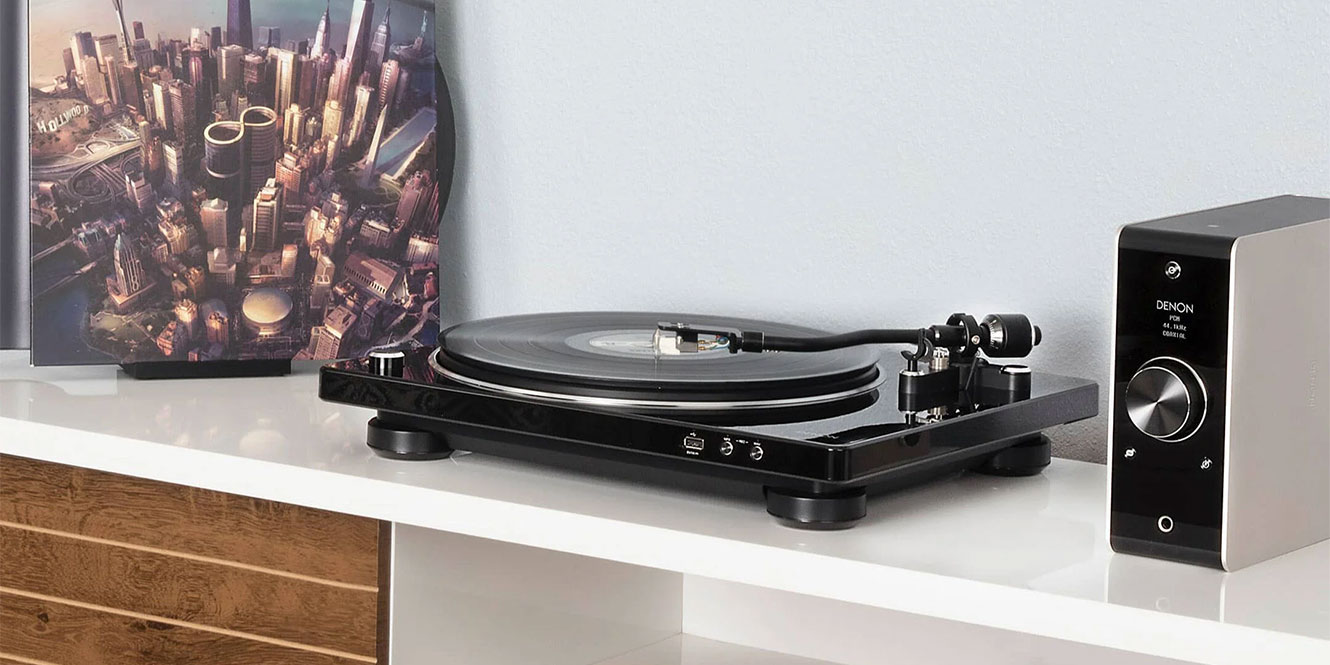

We all love vinyl. It’s brilliant. But for all its quirks, charm, and benefits, it does suffer from one major drawback: it’s not exactly practical. Carrying around a stack of 12-inch records isn’t convenient in the slightest. But you know what is? Digital media, baby.
Now, before you jump down my throat and call me crazy, hear me out. What if you could take all that lovely analogue warmth, charm, and, let’s face it, occasional wonkiness, and put it into a handy digital format? In this guide, I’ll show you how to digitise vinyl records so you can achieve exactly that.
There are a few ways to go about it, and the results will depend on how much effort you want to put in and how much audio engineering experience you already have. Given this is a beginner’s guide, we’ll keep things simple, but we will dabble in a few slightly more involved bits as we go, so you can decide how far down the rabbit hole you want to venture.
Key takeaways
There are two main ways to digitise vinyl records: the quick USB turntable route, and the slightly more involved hi-fi route. Both work. One is easier, the other gives you more control.
Option 1: The short and sweet USB method
This is the easiest way to get your records onto a computer, especially if your turntable has a USB output built in. See our favourite USB turntables here.
- Connect your USB turntable to your computer: Plug it in via USB and select it as your audio input.
- Open your recording software: Audacity is a great free option, but you can also use programs like Ableton Live, GarageBand, Logic Pro, Reaper, or Adobe Audition.
- Set your input level: Play a loud part of the record and make sure the signal is not clipping. If it’s in the red, turn it down.
- Record the record in real time: Hit record, drop the needle, and let the side play through.
- Trim, split, and tidy the recording: Cut away dead space, separate the tracks, and remove any obvious clicks or noise if needed.
- Export your files: Save a high-quality version as WAV or FLAC, then make MP3 or AAC copies if you want smaller files for your phone.
Option 2: The more hands-on phono stage and interface method
This is the better route if you already have a decent turntable and want more control over the final result.
- Take the phono output from your turntable: Most traditional turntables output a very quiet phono signal that can’t go straight into a computer or standard line input.
- Run it through a phono stage: This could be built into your turntable, built into your amplifier, or be a separate phono preamp. Its job is to boost the signal and apply the correct RIAA EQ.
- Send the line-level signal into an audio interface: From the phono stage, connect to an audio interface. This converts the analogue signal into digital audio that your computer can record.
- Check your gain staging: This is just a fancy way of saying “make sure the signal is not too quiet or too loud”. Aim for healthy levels with peaks around -6 dB, and avoid clipping at all costs.
- Record into your chosen DAW or recording program: Audacity, Reaper, Ableton Live, Logic Pro, GarageBand, and Adobe Audition can all do the job. The software matters less than getting a clean recording in the first place.
- Process the recording carefully: You can remove clicks, reduce background noise, normalise levels, and split the recording into tracks. Go easy, though. Too much processing can suck the life out of the recording.
- Export to a proper digital format: For archiving, export as WAV or FLAC. A 24-bit WAV file is a good choice if you want a high-quality master copy. You can then create MP3 or AAC versions for everyday listening.
Why digitise your records?
Vinyl is brilliant, but it’s not exactly built for convenience. You can’t take a crate of LPs on the bus, you probably shouldn’t keep your favourite pressing in the car, and sadly, your phone does not have a tiny turntable built into it.
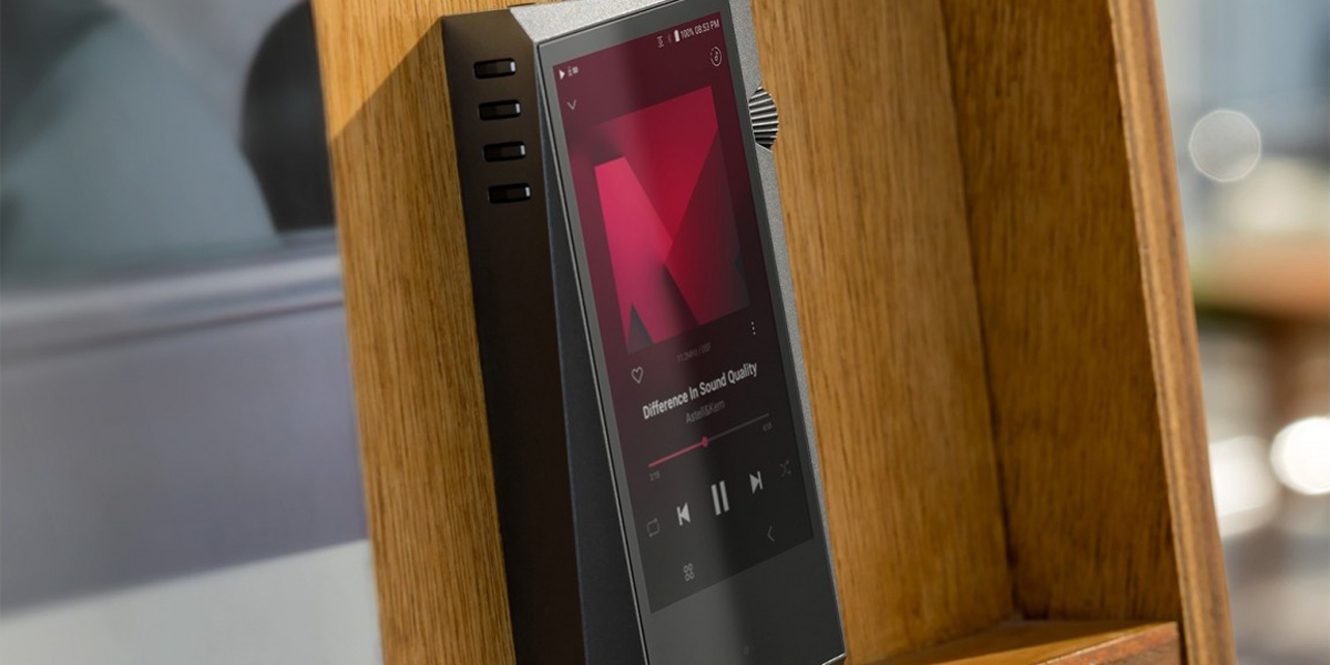
Digitising your collection gives you a way to enjoy those records in places where vinyl simply does not make sense. Once recorded, you can stick them on your phone, laptop, music server, or portable player and take them with you without the logistical nightmare of transporting 12-inch discs everywhere.
Then there is preservation. Every time you play a record, there is some physical contact between the stylus and the groove. Done properly, that is absolutely fine, but older, rarer, or more sentimental records may not be something you want to play constantly. A digital copy lets you enjoy the music while giving the original pressing a bit of a rest.
It’s also handy for records that aren’t on streaming services, obscure releases, inherited collections, bootlegs, demos, local bands, or anything else that exists only in your record rack. Digitising them keeps them usable, searchable, and backed up. Still vinyl at heart, just a lot easier to live with.
What you’ll need
- USB turntable with a built-in analogue-to-digital converter OR a turntable without USB output
- If you’re using a turntable without a USB output, you’ll need an audio interface
- Decent cartridge and stylus
- Phono stage (either built into the turntable or amplifier or separate)
- Recording software
How to digitise vinyl records
Right then, onto the actual doing bit. The good news is that both methods follow the same basic idea: get the sound from your record player into your computer, record it cleanly, tidy it up, and export it as a usable digital file. The difference is mainly how much gear sits between the turntable and the computer.
Ready? Let’s get on with it.
1. Clean your record and check your stylus
Before you plug anything in, clean the record. I know, thrilling stuff, but it matters. Dust, static, fingerprints, and general grime will all get recorded along with the music. Use a carbon fibre brush at the very least, and give older records a proper clean if needed.
You should also check your stylus. A dirty or worn needle is not going to magically sound better once digitised. There’s an old recording adage, “rubbish in, rubbish out”, so you want to make sure your source is as clean and pristine as possible.
2. Choose your connection method
If you have a USB turntable, this bit is nice and easy. Connect it straight to your computer with a USB cable and select it as your input device. If you’re using a traditional turntable, you will need to go from the turntable into a phono stage, into an audio interface, then into your computer. Same destination, slightly more scenic route.
3. Make sure the phono stage is doing its job
A standard turntable signal is tiny, so it needs boosting before your computer can make proper use of it. That is what the phono stage does. It could be built into your turntable, built into your amp, or sitting in its own little box. With the USB method, this is usually handled internally. With the interface method, make sure you are sending a proper line-level signal into the interface.
4. Open your recording software
Now open your DAW or recording program. Audacity is a solid free option and keeps things simple, but there are a multitude of paid programs that can handle vinyl recording. Select your USB turntable or audio interface as the input, set the project to stereo, and choose your recording quality. If available, 24-bit recording is a nice place to start.
5. Set your levels properly
This is where a lot of people trip up. Play one of the louder parts of the record and watch the input meter. You want a healthy signal, but not one that is going into the red. Aim for peaks around -6 dB. With a USB turntable, you may have limited control. With an interface, use the gain knobs carefully. Quiet is fixable. Clipping is misery.
6. Record one side at a time
Hit record in your software, then gently drop the needle and let the side play all the way through. Try not to knock the table, prod the cables, or start enthusiastically rearranging furniture mid-take. Vinyl is physical, and bumps can make their way into the recording. Once the side finishes, stop recording, save the project, flip the record, and repeat.
7. Tidy up the recording
Once both sides are recorded, you can trim the silence at the start and end, split the album into tracks, and remove any obvious clicks if needed. Don’t go too wild with noise reduction, though. A bit of vinyl character is part of the charm. If you start scrubbing every little imperfection, you can end up with something cleaner, but also flatter and less lively.
8. Add names, artwork, and metadata
This is the boring admin bit that future you will be grateful for. Add the artist, album title, track names, track numbers, year, and artwork if your software allows it. Otherwise, you can do this later in your music library app. It makes the files much easier to browse, especially once you have digitised more than a couple of records.
9. Export your digital files
For your main archive, export in a proper high-quality format. WAV is great, especially at 24-bit, but the files are chunky. FLAC is usually the smarter long-term choice because it keeps the quality intact while saving space. After that, you can make MP3 or AAC copies for phones, cars, and portable players. Keep the good version backed up somewhere safe.
10. Back it all up
You’ve just recorded the album in real time, edited it, split the tracks, labelled everything, and exported the files. Don’t let all that effort live in one lonely folder on one ageing laptop! Back it up to an external drive, cloud storage, NAS drive, or wherever else you keep your important files.
A note on record maintenance
Now, before we get too carried away with cables, interfaces, bit depth, and all that lovely nerdy stuff, it’s worth saying this: your digital recording is only ever going to be as good as the record you put on the platter.
If the record is covered in dust, fingerprints, static, or mystery sleeve fluff from 1987, all of that is going to make its way into your recording. Clicks, pops, crackle, dullness, groove noise… some of it can be tidied up afterwards, but it’s much better to deal with it before you hit record.
At the very least, use a carbon fibre brush before each play. It takes seconds and helps remove loose dust and static from the surface. For records that need a bit more love, use a proper vinyl cleaning solution and a microfibre cloth or a dedicated record cleaning kit. Just avoid household cleaners, rough cloths, and anything that looks like it belongs under the kitchen sink.
Storage is super important, too. Keep your records upright, not stacked flat, and store them somewhere cool, dry, and away from direct sunlight. Inner sleeves are also worth upgrading if yours are old or paper-lined. A clean anti-static inner sleeve can help stop a freshly cleaned record from immediately collecting more grime.
And don’t forget the stylus. A dirty stylus can drag muck through the grooves and make even a clean record sound worse than it should. Use a proper stylus brush or gel cleaner, and always clean gently from back to front.
Honestly, we could go on about this for ages. In fact, we’ve even written a whole article on cleaning vinyl records and another on proper storage.
Look after the records first, and the digital copies will thank you for it.

FAQs
Is it legal to digitise vinyl records?
Digitising vinyl records is generally legal for personal use when you own the original record and keep the files private. Copyright problems usually begin when the recordings are shared, uploaded, sold, or distributed without permission.
Is it worth digitising records?
Digitising records is worth it for preserving rare vinyl, reducing wear, and making a record collection easier to play on modern devices. A careful transfer keeps the character of the original record while adding convenience and backup protection.
Will WD-40 clean vinyl?
We do not recommend using WD-40 for cleaning vinyl. While it’s good for household cleaning, it’s too harsh for vinyl records and could cause damage or leave residue.
Final thoughts
Learning how to digitise vinyl records is a practical way to protect your collection, reduce wear on your favourite albums, and enjoy your music across modern devices. Whether you want to preserve rare pressings, back up sentimental records, or simply make listening more convenient, the process is well worth considering.
With a clean record, reliable turntable, proper audio connection, and careful recording settings, you can create high-quality digital copies that still capture the warmth and character of vinyl.





0 Comments